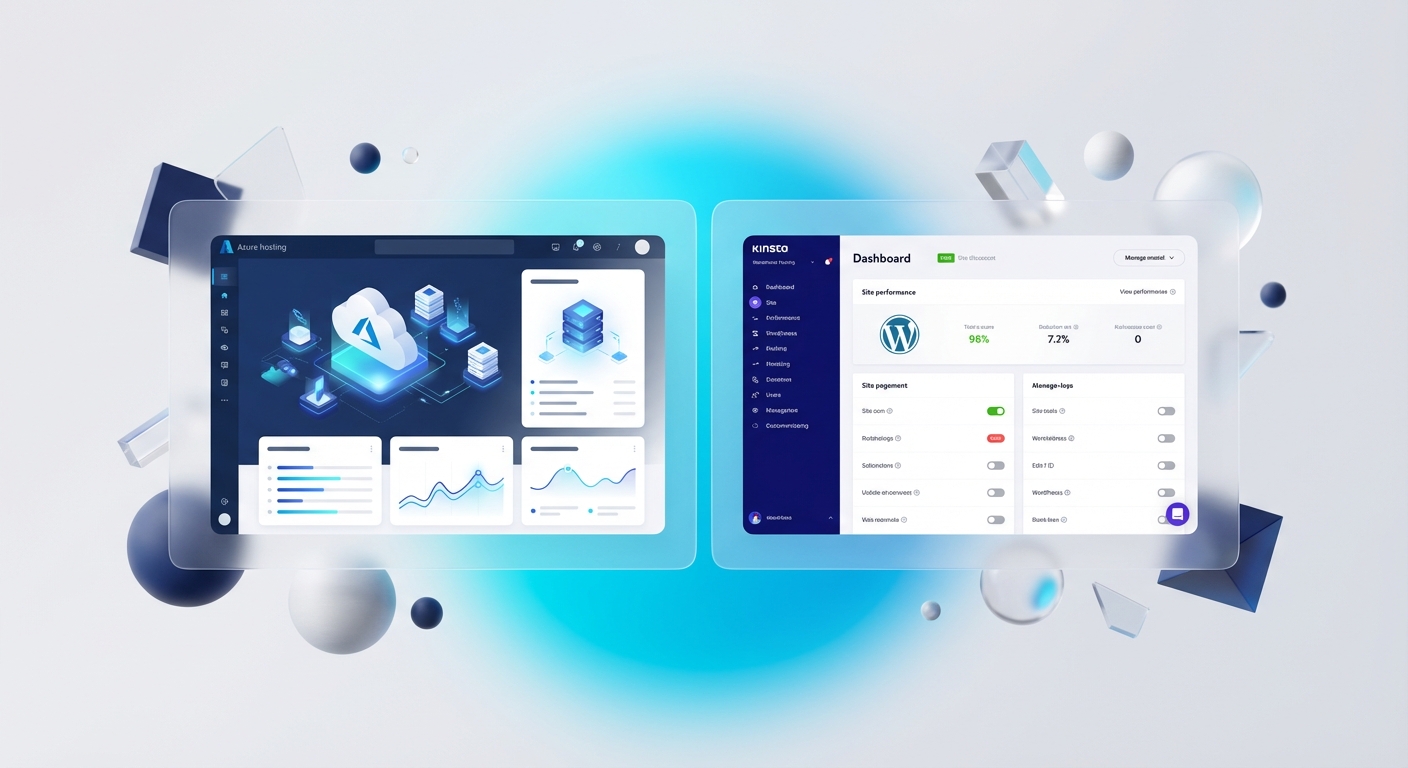
Choose Kinsta when you want a managed WordPress service and expect the provider to own more of the hosting operation. Choose Azure App Service when your organisation needs Azure-native networking, identity, monitoring and infrastructure control and has people able to design and operate it.
Neither choice makes a WordPress learning or membership site secure, scalable or compliant by itself.
Disclosure: the Kinsta link in this article is an affiliate link. It does not change the comparison or your price.
The decision in one table
| Question | Azure App Service | Kinsta managed WordPress |
|---|---|---|
| Who assembles the platform? | Your Azure team selects and configures the services | Kinsta provides a managed WordPress platform |
| WordPress-specific support | Depends on your support arrangement and internal skills | WordPress-focused provider support, within published scope |
| Network and identity control | Broad Azure integration options | Provider-defined platform controls |
| Scaling | Configurable App Service and supporting services | Plan and provider platform boundaries |
| Backups | Must be designed across app, database and storage | Automatic and manual WordPress restore points are documented |
| Cost model | Consumption and selected Azure resources | Published hosting plan and overage model |
| Best fit | Azure operating capability and custom requirements | Smaller team wanting managed WordPress operations |
Check the live provider pages before buying. Pricing, plan allowances, regions, backup retention and support scope can change.
What "WordPress on Azure" actually involves
Microsoft's current reference architecture uses Azure App Service with supporting services such as Azure Database for MySQL, Blob Storage and Azure Front Door. Optional security and resilience choices can include Web Application Firewall, private endpoints, high availability, monitoring and autoscale.
That flexibility is the attraction and the cost. Somebody must own:
- Azure subscription and role assignments
- network and DNS design
- database, files and secrets
- WordPress, theme and plugin updates
- monitoring and alerting
- backup retention and restore tests
- performance and scaling rules
- incident response and cost review
Azure App Service is managed platform infrastructure. It does not mean Microsoft will debug every WordPress plugin or your course configuration.
What Kinsta manages
Kinsta documents managed WordPress hosting that includes platform-level security controls, WordPress tooling, daily backups and restore points. Its plan boundaries and overage model remain important for a membership site with logged-in traffic.
Ask Kinsta to confirm the current position for:
- PHP and WordPress version support
- backup frequency, retention and off-platform copies
- staging and restore workflow
- caching exclusions for authenticated pages
- worker, bandwidth, visit and storage limits
- multisite or membership-plugin compatibility
- support boundaries for third-party plugins
- data location and contractual requirements
A managed host reduces the operating surface you own. It does not take ownership of your application logic, user permissions or regulatory obligations.
Teams and Microsoft 365 do not decide the host
A site can be linked from Teams regardless of whether it runs on Azure or Kinsta. Hosting in Azure does not automatically create Microsoft Entra ID single sign-on, and displaying a site in a Teams tab does not create SSO either.
Teams tab SSO requires an app registration, Teams app configuration and supported authentication flow. WordPress plugins that offer Microsoft sign-in have their own architecture, licences and support boundaries. Assess that identity layer separately from hosting.
A better cost comparison
Do not compare one advertised monthly price with an Azure calculator total and declare a winner. Calculate the operating service:
- Hosting resources and traffic charges.
- Database, storage, CDN, DNS and security services.
- Backup storage and restore work.
- Monitoring and support.
- Engineering time for updates and incidents.
- Staging and deployment.
- Identity integration.
- Expected overages or scaling headroom.
Price the same recovery and support objective on both sides. If one option includes a managed restore and the other assumes an engineer is available, the headline prices are not comparable.
Test before moving real learners
Build a representative staging site and test:
- signed-in and signed-out page behaviour
- course or membership restrictions
- email delivery and password recovery
- Microsoft sign-in, if required
- cache behaviour for personalised pages
- backup restoration
- plugin update rollback
- monitoring and support escalation
- performance under a representative, documented workload
Record the test conditions. A single fast page load does not establish production capacity.
Recommendation
For a small team without Azure operations capability, managed WordPress hosting is usually the simpler starting point. For an organisation that already runs Azure well and needs its network, policy and monitoring controls, Azure App Service can be the more coherent platform.
The deciding evidence should be ownership, recovery and support, not vendor adjectives.
Proof boundary
This comparison describes the providers' documented service shapes. It does not validate a quote, workload capacity, licence, security posture, data residency or recovery objective for your site. Verify those in writing and test the design.
For practical reviews of Teams, SharePoint and the services connected to them, join the SharePoint & Teams Admins Space.