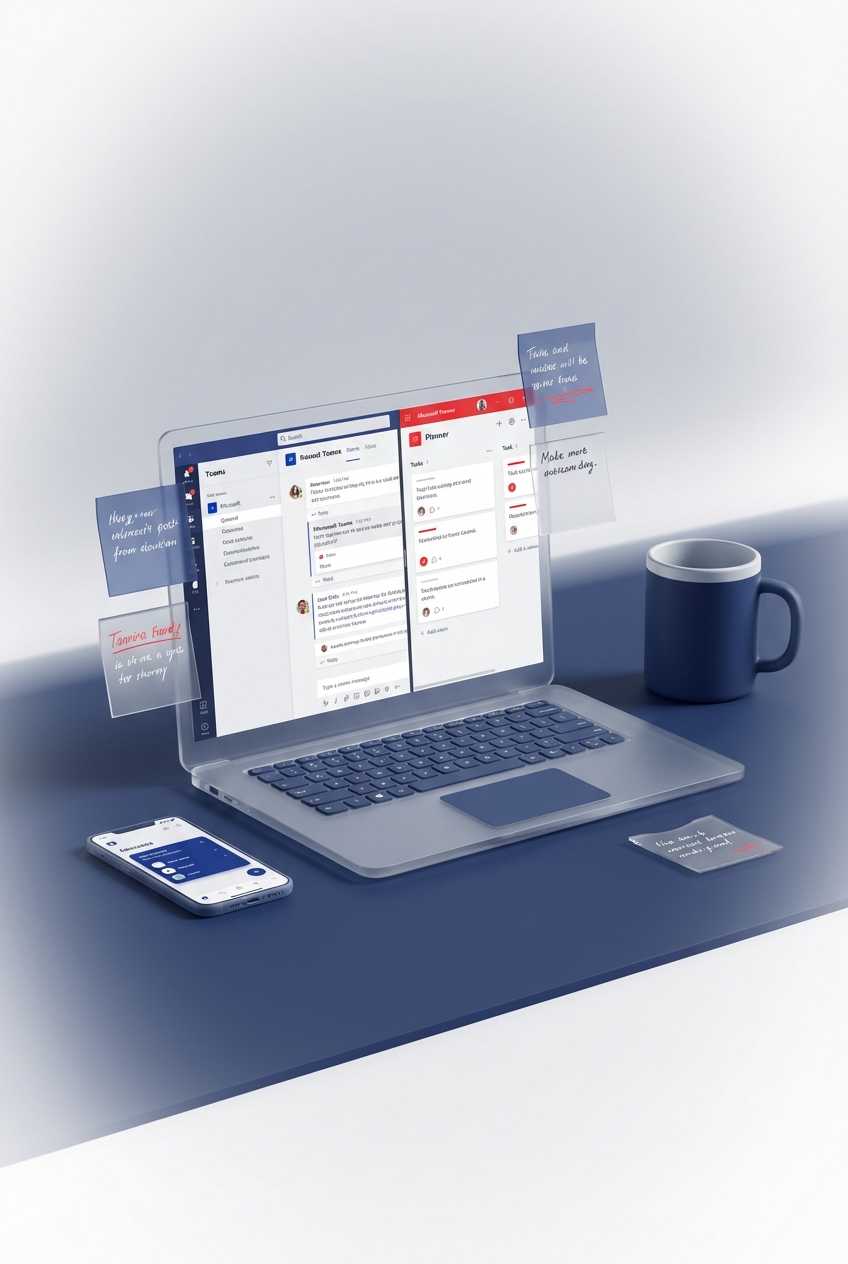
Remote work usually becomes painful when decisions disappear into chat, files live in personal folders and nobody knows which task list is real. Microsoft 365 can reduce that mess, but only if the team agrees where conversation, documents, tasks, decisions and community updates belong.
The tools do not create trust or good management by themselves. They make a clear operating agreement easier to follow.
Give each kind of work one home
| Work object | Suggested home |
|---|---|
| Fast conversation and meetings | Teams chat or channels |
| Durable documents | SharePoint or OneDrive, chosen deliberately |
| Team tasks | Planner |
| Personal tasks | To Do or Planner My Tasks |
| Risks, decisions and structured registers | Microsoft Lists |
| Organisation-wide communities | Viva Engage |
| Recorded video | Stream on SharePoint, stored in SharePoint or OneDrive |
Chat is not a reliable filing system. When a conversation produces a decision, put the decision in the project's register or document and link back to it.
Stop files becoming private attachments
Use the SharePoint site connected to the team for shared project files. Use OneDrive for an individual's working files and drafts that are not yet team records.
Check sharing links before sending them outside the organisation. Guest access, external access and shared channels are different mechanisms. The right choice depends on whether the person needs access to a team, a channel or one document.
Remote access does not make a file safe. Permissions, sensitivity labels, retention and device controls still need an approved tenant design.
Make work visible without watching people
Planner can show tasks, owners and due dates. Lists can hold risks, issues, decisions and requests. That gives a manager a shared view of work without treating chat volume or online status as proof of performance.
Use status meetings to resolve exceptions:
- work with no owner;
- overdue work with a known blocker;
- decisions awaiting a named person;
- risks whose response is not agreed.
Presence is a communication signal, not a timesheet.
Use channels for durable team context
Create channels for workstreams people will still recognise in six months. Use a group chat for a smaller, temporary conversation.
Pin or link the working agreement, task plan, document library and decision register where staff can find them. If a new starter needs oral history to discover the project, the information architecture has failed.
Rebuild informal connection deliberately
Viva Engage supports organisation-wide communities and conversations. Teams supports smaller working groups and meetings. Use the platform that matches the audience rather than copying the same update into both.
The old Viva Topics product is not part of a current remote-work plan. Microsoft retired Viva Topics on 22 February 2025. Published topic pages became ordinary SharePoint pages, while AI-generated topic pages and the automatic topic-card experience were retired.
Review any older remote-work guidance that still recommends Viva Topics or classic Stream as a new implementation.
Automate predictable reminders carefully
Power Automate can notify an owner, route an approval or copy structured data. It should not manufacture activity or interrupt people simply because they are remote.
Every flow needs an owner, failure alert, manual fallback and safe rerun path. When an employee leaves, their personal connections can break a flow that looked shared.
A practical recovery drill
Once a quarter, pick one team and test:
- Can a second owner administer it?
- Can staff find the current document without asking in chat?
- Can an owner restore a previous file version?
- Can a failed flow be identified and rerun safely?
- Can a departing guest's access be found and removed?
- Can a new starter discover decisions and tasks without private messages?
Record what failed and fix the operating agreement before adding another app.
What this proves
Passing the drill proves that the chosen team can find, own and recover its work through the tested Microsoft 365 setup. It does not prove employee engagement, productivity, security compliance or resilience across the whole tenant.
For practical ways to organise Microsoft 365 work without productivity theatre, join the Microsoft 365 Productivity Space.