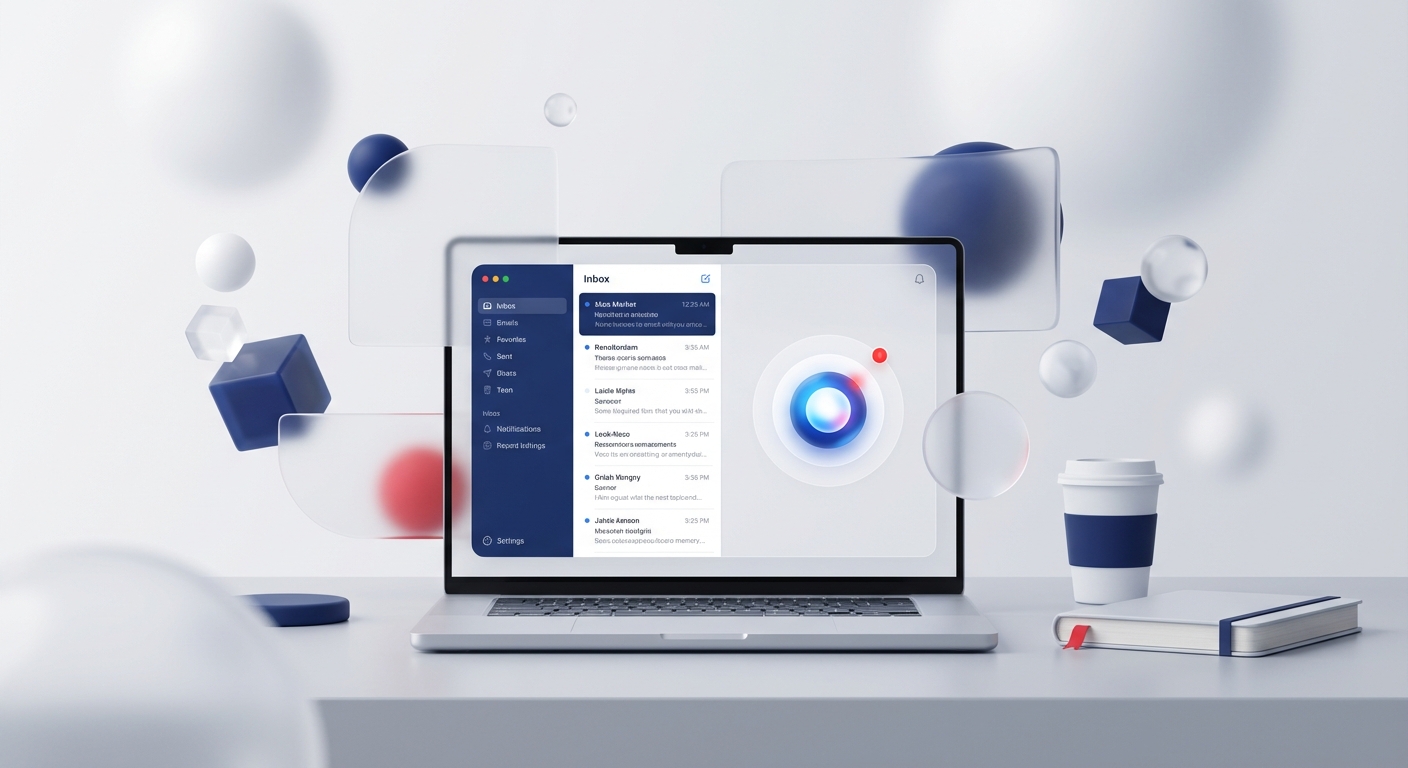
Jace AI is an inbox assistant that connects to Gmail or Outlook and can organise messages and prepare drafts. It does not clone you, and the old article's time-saving and price claims were not backed by measured evidence.
The useful question is whether Jace can handle a narrow part of your mailbox safely enough to justify its access and checking cost.
Disclosure: Collab365 may receive a referral benefit if you use a Jace link in this article. That does not change the checks below.
What the vendor currently says
Jace's public documentation says it can work with inbox, calendar and contact data, generate drafts, apply rules and connect knowledge sources. Its security page says email content is not used to train models, data is encrypted in transit and at rest, and access can be revoked.
Those are vendor statements, not an independent audit by Collab365. Ask for current contractual, security and subprocessor information if the mailbox contains business-sensitive data.
You can review Jace's current product information before deciding whether to test it.
Do not start with the whole inbox
Choose one reversible use case. Drafting replies for a low-risk internal category is safer than automatically sending customer, legal, finance or HR messages.
A sensible pilot boundary is:
- one mailbox or test account
- draft-only operation
- a small set of explicit rules
- no deletion or automatic external sending
- synthetic or low-sensitivity examples first
- a named person reviewing every draft
Inspect the permissions requested during Microsoft sign-in. The consent screen and Entra enterprise application record tell you what the application can access. Do not infer least privilege from marketing wording.
Teach rules that can be checked
Rules such as be professional are hard to test. Prefer observable instructions:
- never draft replies to messages from the legal domain
- do not quote a price unless the approved source contains it
- flag refund requests for human review
- never send automatically
- cite the knowledge item used in the draft where the product supports it
Use versioned, owned knowledge sources. If an old document remains connected, a fluent answer can still be wrong.
Test the awkward cases
Run a fixed test pack before connecting more data:
- a straightforward request covered by the knowledge source
- an ambiguous request that needs a question
- conflicting information in two documents
- a prompt-injection instruction inside an email
- a request involving money or personal data
- a revoked or expired Microsoft connection
- a message with a large or unsupported attachment
Record whether the item was classified correctly, which source was used, what the draft got wrong and how long checking took.
Compare it with the alternatives
If your need is occasional drafting inside Outlook, a built-in Microsoft option may create fewer identity and data boundaries. If you need a defined unattended process, Power Automate or a governed service may be easier to monitor than a general inbox agent.
Jace may fit when its inbox-specific rules and workflow are the feature you actually need. The comparison should include access scope, admin control, data location, retention, model providers, audit evidence, ownership and exit procedure, not just draft quality.
Decide with evidence
At the end of the pilot, compare completed messages, corrections, missed items, false classifications and total human review time with the old process. Do not convert one good week into a universal productivity claim.
Disconnect the application and confirm the offboarding process if the result is not good enough. Revoking Microsoft consent and deleting vendor-held data are separate actions, so check both.
For practical AI adoption reviews that include data, permissions and the human checking burden, join the Microsoft Copilot & AI Mastery Space.