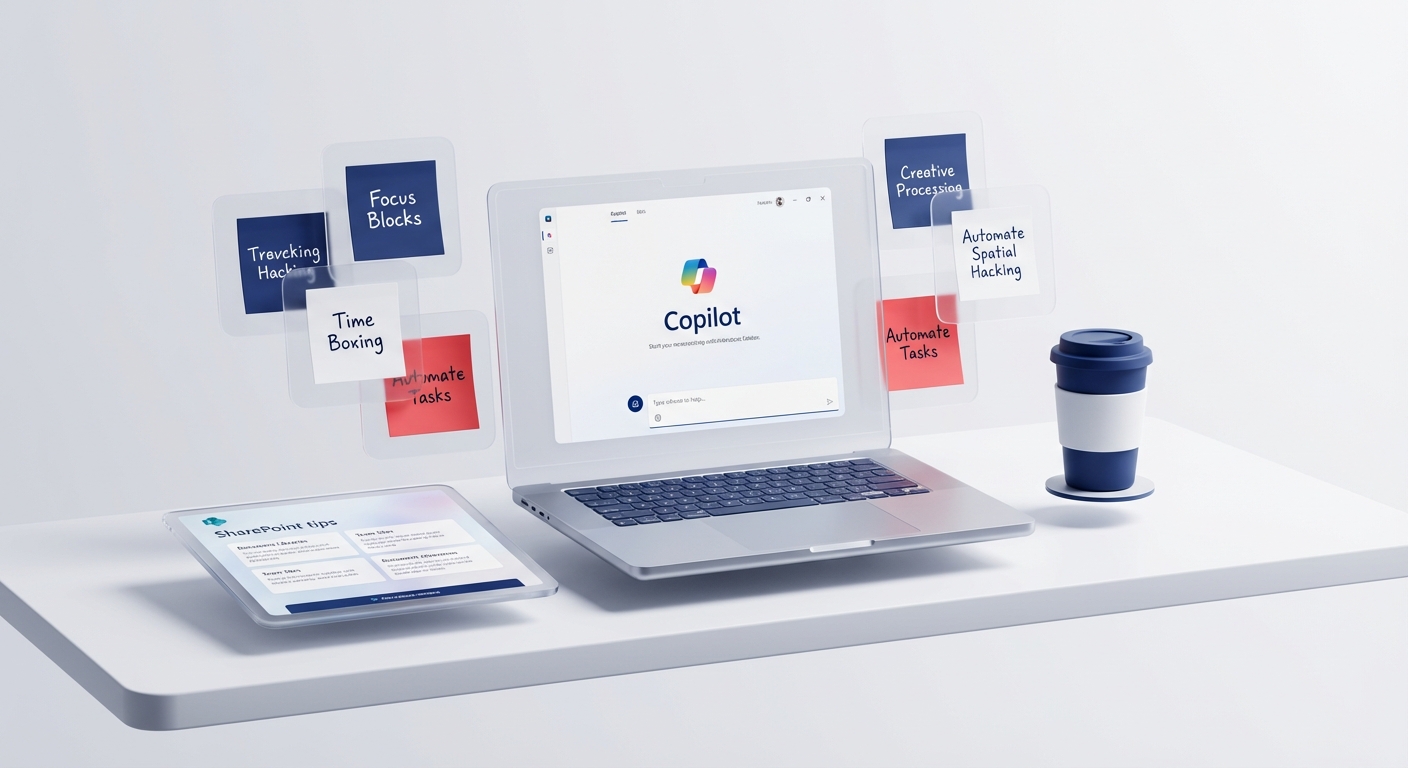
Copilot on Windows is now an app experience, not the original 2023 Windows sidebar described by this article. Availability, interface and features depend on region, account, device and Microsoft's current rollout.
The most important check is the account. A personal Copilot session and a work or education Copilot session have different data and administrative boundaries. For organisational work, sign in with the approved account and confirm the experience your tenant provides (Microsoft Support).
Seven useful, bounded tasks
1. Turn rough notes into a first draft
Provide non-sensitive notes and ask for a clear structure. Check every fact, name and commitment before sending it.
2. Compare two public documents
Ask for differences, then verify them against the original pages. AI summaries are navigation aids, not substitutes for the source.
3. Prepare questions for a meeting
Give the public agenda or a redacted brief and ask what remains unclear. Do not upload confidential board material to an unapproved account.
4. Explain unfamiliar code
Ask for a line-by-line explanation and likely failure modes. Never run generated commands against a live tenant until somebody qualified has reviewed them.
5. Draft an image concept
Copilot Chat can provide image generation depending on access and service capacity. Treat the output as a candidate. Check rights, text, brand details and representation before publication (Copilot Chat overview).
6. Create a checklist from a policy
Use an approved policy as the source and require each checklist item to cite its section. A generated checklist does not replace the policy or professional advice.
7. Build a verification plan
Ask what evidence would prove a proposed change worked. This is often more useful than asking Copilot to sound certain about the answer.
What Copilot on Windows does not prove
Opening Copilot from Windows does not prove:
- that a dedicated Microsoft Copilot licence is assigned
- that the chat is grounded across your organisation's Microsoft 365 data
- that every Microsoft 365 app integration is available
- that consumer and work data protections are identical
- that an answer is accurate
Microsoft's product comparison explains the difference between Copilot Chat and the licensed Microsoft Copilot experience (Microsoft Learn).
If Copilot is missing
Check the Windows version and updates, Microsoft Store app availability, region, account type and organisation policy. A business administrator may have disabled or changed access. Do not follow registry hacks from an old guide to force-enable a service your organisation has intentionally restricted.
The proof boundary
This article describes safe uses, not a guaranteed feature list for every Windows PC. Confirm the current interface and data protections on the exact device and account you intend to use.
For current Microsoft AI working patterns without the 2023 baggage, join Microsoft Copilot Adopters.