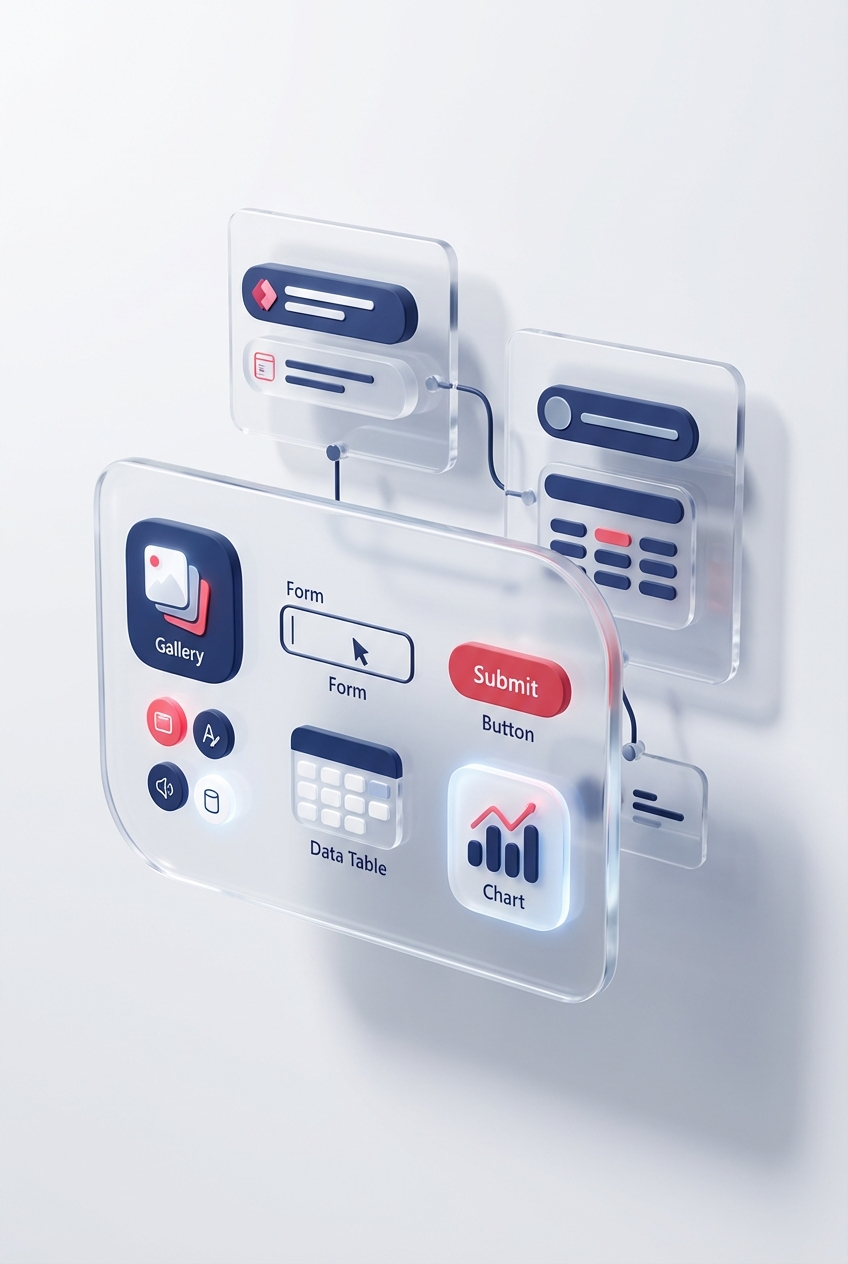
A Power Apps component is a reusable group of canvas controls and formulas with a defined interface. Use a local component when one app owns it. Use a component library when several apps need a managed shared component.
Microsoft recommends component libraries for reuse across apps. The old pattern of importing components directly from one canvas app into another is retired.
Start with a small component contract
A good first component is a page header with:
TitleText, Text input propertyShowBack, Boolean input propertyBackSelected, Event or behaviour propertyHeight, Number output property if the host needs it
Keep data-source calls and business rules in the host app unless the component has a clear reason to own them. A header should not quietly decide who is an administrator.
Build a local component
In a canvas app, open the Components area and create a component. Add the background, label and back button. Bind the label to the custom input property and the button's visibility to the Boolean property.
Set the button action to the component behaviour property rather than hard-coding a target screen. On the component instance in the host app, set that behaviour property to the required action, for example:
Back()
The exact custom property options available depend on the component features enabled in the app. Follow the current canvas component overview and keep experimental settings out of a production dependency unless they have been approved.
Test the component contract
Place two instances on a test screen with different titles and ShowBack values. Check:
- long and blank text
- small and large layouts
- keyboard focus
- screen-reader labels
- disabled and error states
- host-app formulas responding to outputs
Component scope can affect which app resources are available inside it. A successful local test does not prove that the component will behave the same in another app or environment.
Move reusable work into a component library
Create a component library in the intended development environment, build the component there, save and publish the library, then share it with the makers who need to consume it.
In a canvas app, use Get more components to add the library component. The consuming app keeps a dependency on the library version. When a new version is published, Power Apps alerts the app maker that an update is available.
The update is not a silent global push. Each consuming app should review the change, accept the new component version, test it and publish its own release. That boundary prevents a library edit from instantly breaking every production app.
Version the interface, not only the appearance
A colour change may be backward-compatible. Renaming an input property or changing its type can break host formulas.
For a breaking change:
- Add the new property without removing the old one.
- Update and test consuming apps.
- Deprecate the old property visibly.
- Remove it only through an agreed major release.
Keep a short changelog and list the consuming apps. Solution dependency views can help identify relationships, but ownership still needs a human record.
Use solutions for ALM
Put the component library and apps in solutions for environment-to-environment movement. Microsoft's component library ALM guidance describes solution support and import ordering.
Import the library and consuming app in the supported order, bind environment-specific dependencies, then test the imported app. Do not edit the production library as the normal release route.
Know the limits
Microsoft documents current component and library limitations. For example, a locally saved component-library file cannot be imported as a working library, and first imports can require the consuming app to use the latest component version before future update prompts work correctly.
Review the official limitations again before designing a company-wide dependency. Product behaviour changes more quickly than copied screenshots.
For practical reusable component patterns with release ownership included, join the Power Apps Builders Space.