Microsoft Teams
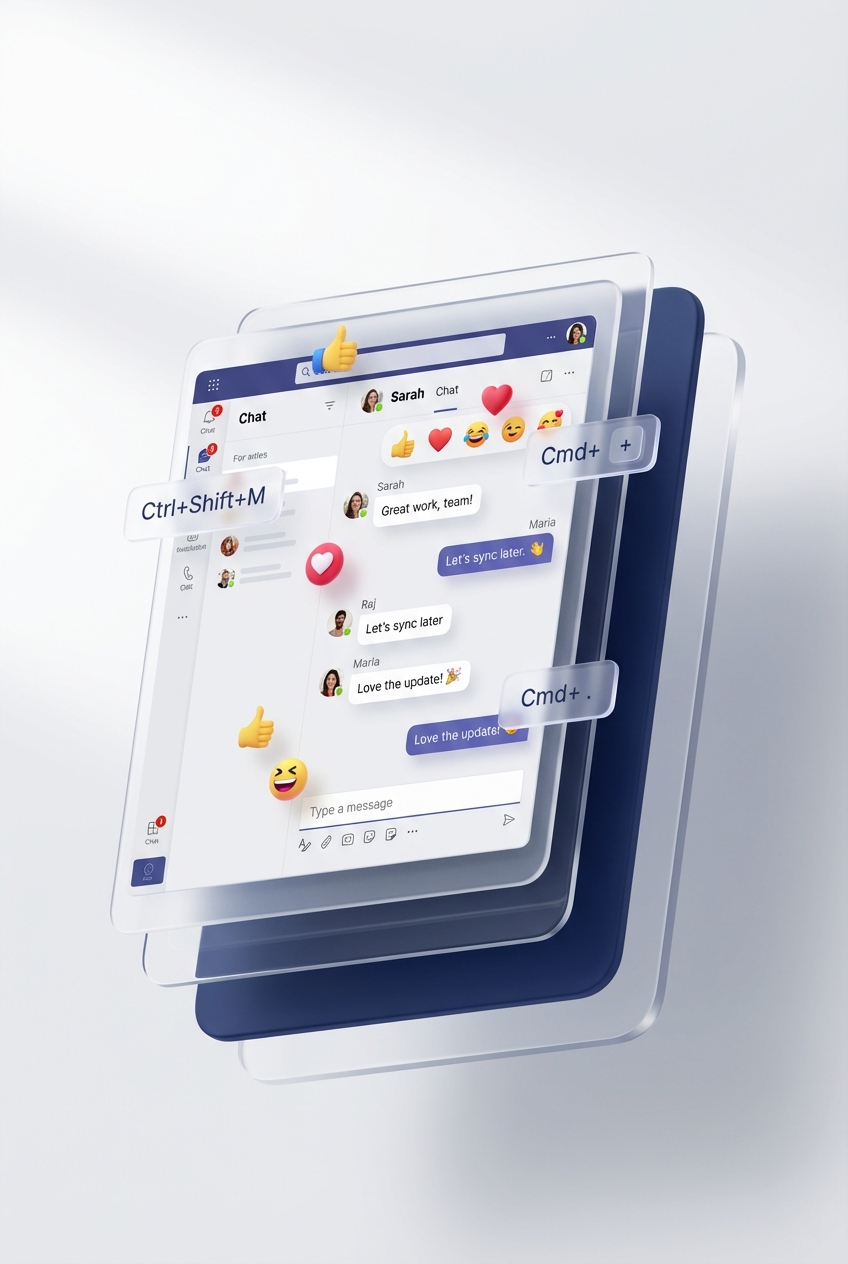
How to Use Emojis and Reactions in Microsoft Teams
Use emojis, reactions, GIFs and stickers in Teams chat and channels, with current desktop and mobile steps plus sensible workplace boundari…
Refreshed 24 Aug 2026 · 3 min
Microsoft Teams
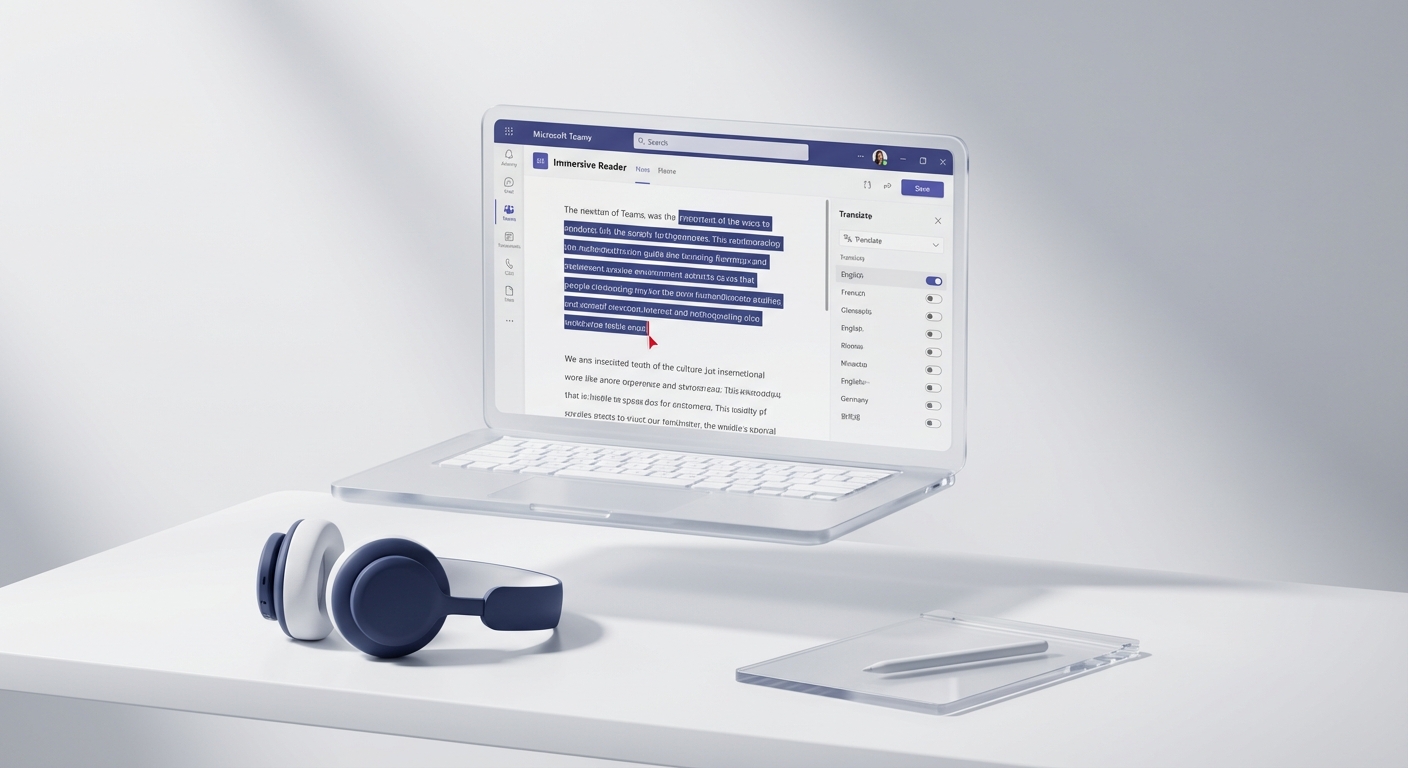
How to Use Immersive Reader in Microsoft Teams Messages
Open a Teams message in Immersive Reader, use read-aloud and reading preferences, and troubleshoot client or policy differences without ove…
Refreshed 24 Aug 2026 · 3 min

Microsoft Teams
How to Use Microsoft 365 for Project Management
A practical Microsoft 365 project setup using Teams, Planner, SharePoint, Lists and Power Automate, with ownership, licensing and recovery …
Refreshed 24 Aug 2026 · 3 min

Microsoft Teams
Is WordPress Safe to Use with Microsoft Teams and SharePoint?
Assess WordPress for a Teams-linked learning or membership site using updates, identity, permissions, recovery, data handling and operating…
Refreshed 24 Aug 2026 · 5 min
Microsoft Teams
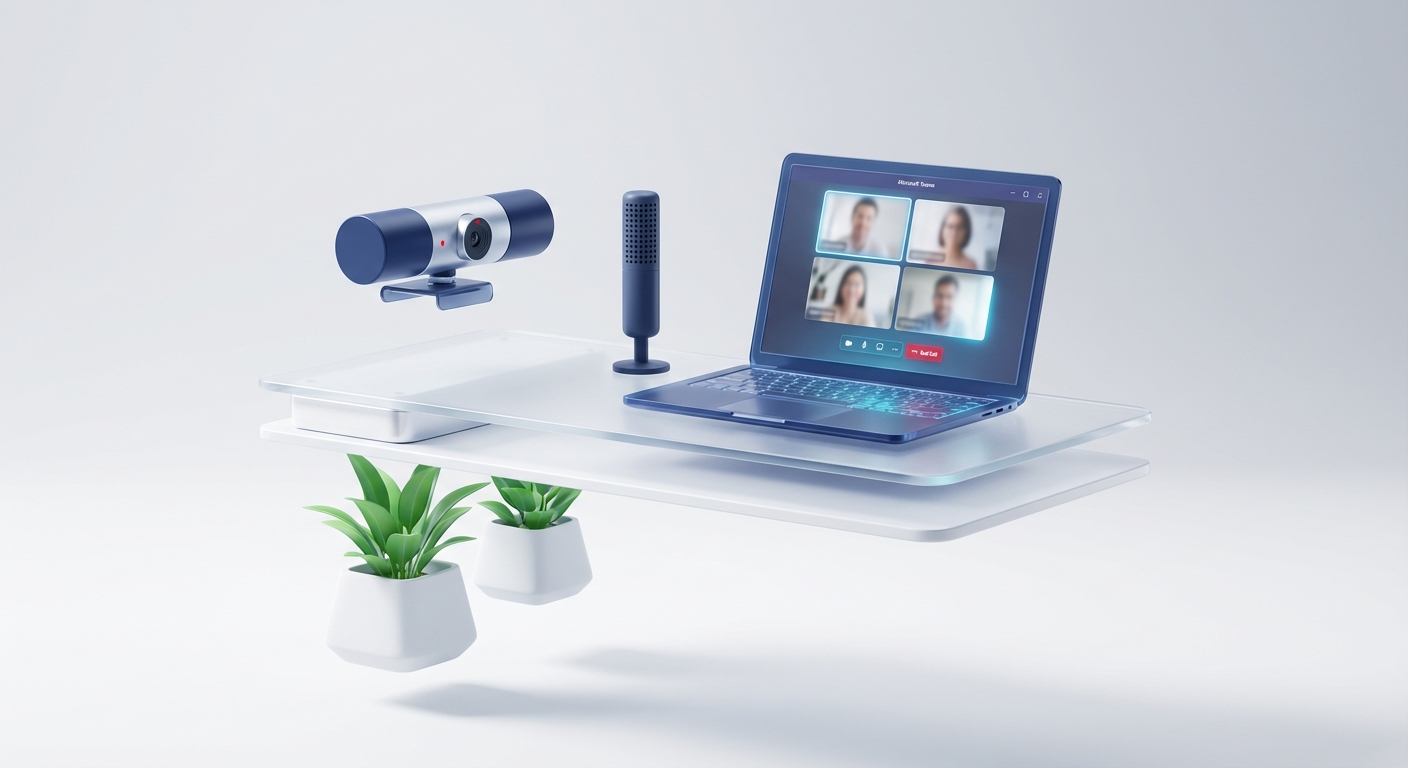
Microsoft Teams Audio and Video Settings: A Practical Troubleshooting Guide
Set and troubleshoot microphones, speakers, cameras and shared sound in Microsoft Teams across desktop, web and mobile, including permissio…
Refreshed 24 Aug 2026 · 2 min

Microsoft Teams
Microsoft Teams Call Controls: Hold, Transfer, Devices and Screen Sharing
Current Microsoft Teams call controls for desktop, web and mobile, including hold, transfer, device changes and screen sharing, with policy…
Refreshed 24 Aug 2026 · 3 min
Microsoft Teams
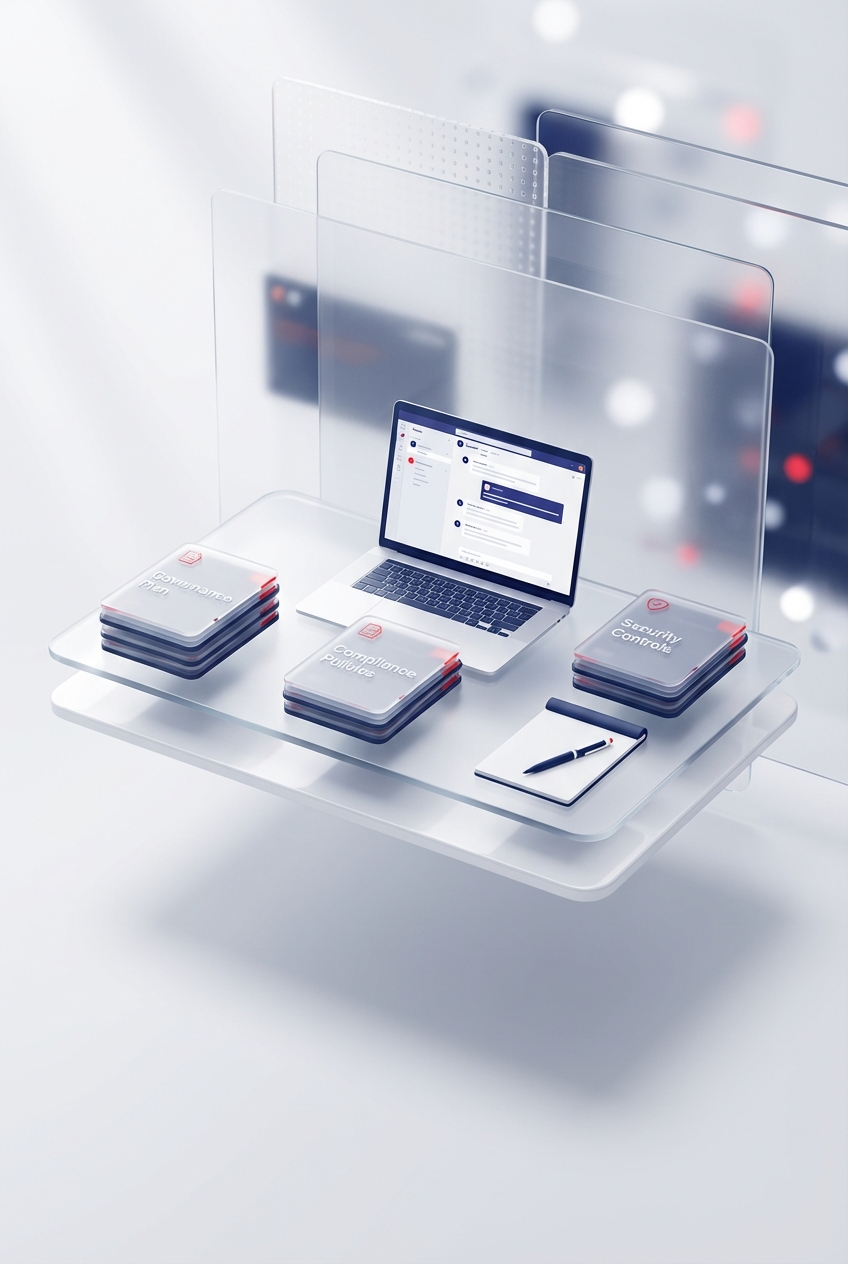
Microsoft Teams Governance Plan: A Practical Template
Create a usable Microsoft Teams governance plan covering ownership, creation, guests, channels, files, apps, meetings, retention, lifecycle…
Refreshed 24 Aug 2026 · 5 min

Microsoft Teams
Microsoft Whiteboard vs Miro: Which Should Your Team Use in 2026?
Compare Microsoft Whiteboard and Miro by Teams fit, facilitation, external access, ownership, mobile use and handoff, not a fake universal …
Refreshed 24 Aug 2026 · 8 min

Microsoft Teams
Send or Forward Email to a Microsoft Teams Channel: Limits and Safe Use
Send email to a Teams channel safely. Current setup, sender controls, 24 KB and attachment limits, SharePoint behaviour and troubleshooting.
Refreshed 24 Aug 2026 · 7 min

Microsoft Teams
Should You Buy or Build an LMS for Microsoft Teams?
A practical buy-versus-build decision framework for a Teams-connected LMS, covering records, identity, integrations, ownership, cost and ex…
Refreshed 24 Aug 2026 · 3 min

Microsoft Teams
Switch Between Mail and Calendar with Outlook Keyboard Shortcuts
Use the current Outlook shortcuts for Mail, Calendar, Copilot, People and To Do, with clear differences between new Outlook, classic Outloo…
Refreshed 24 Aug 2026 · 3 min

Microsoft Teams
The Power Platform Team Roles You Actually Need
Build a practical Power Platform operating team with clear ownership for products, environments, security, delivery, support and business o…
Refreshed 24 Aug 2026 · 4 min
Microsoft Teams
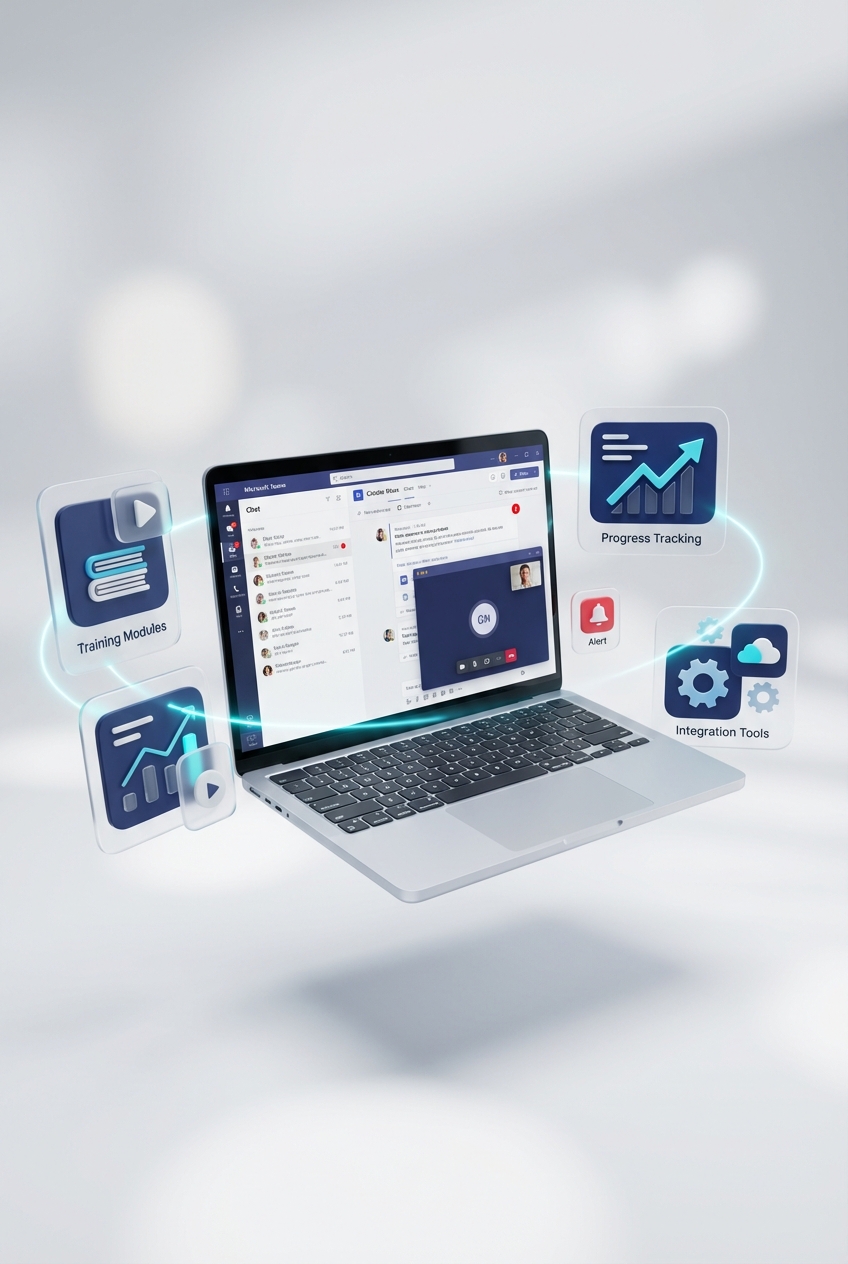
What a Microsoft Teams LMS Must Do Before You Buy It
A practical requirements checklist for choosing an LMS that works with Microsoft Teams, including identity, records, accessibility, reporti…
Refreshed 24 Aug 2026 · 3 min
Microsoft Teams
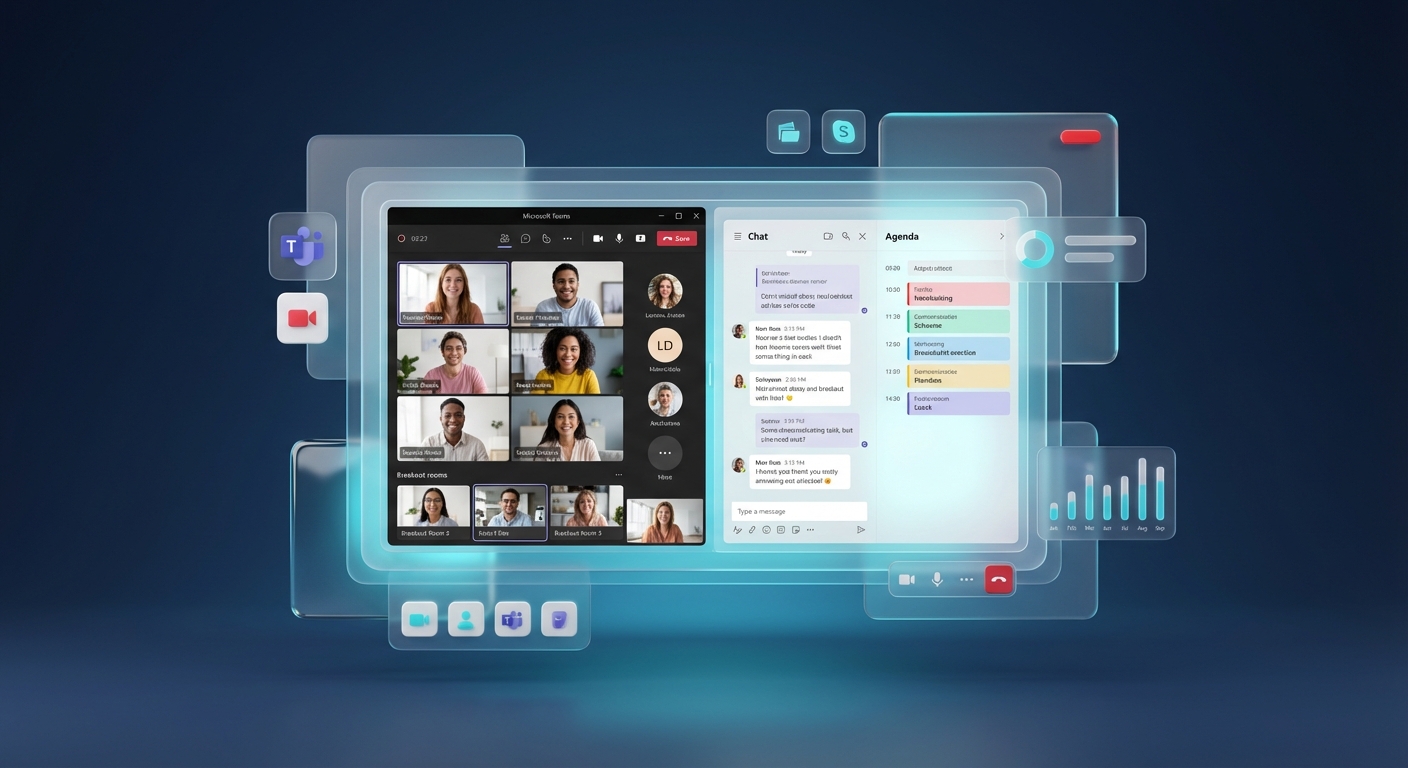
How to Create and Manage Breakout Rooms in Microsoft Teams
Current steps for creating Teams breakout rooms before or during a meeting, assigning people, appointing managers and recovering from commo…
Refreshed 24 Aug 2026 · 3 min
Microsoft Teams
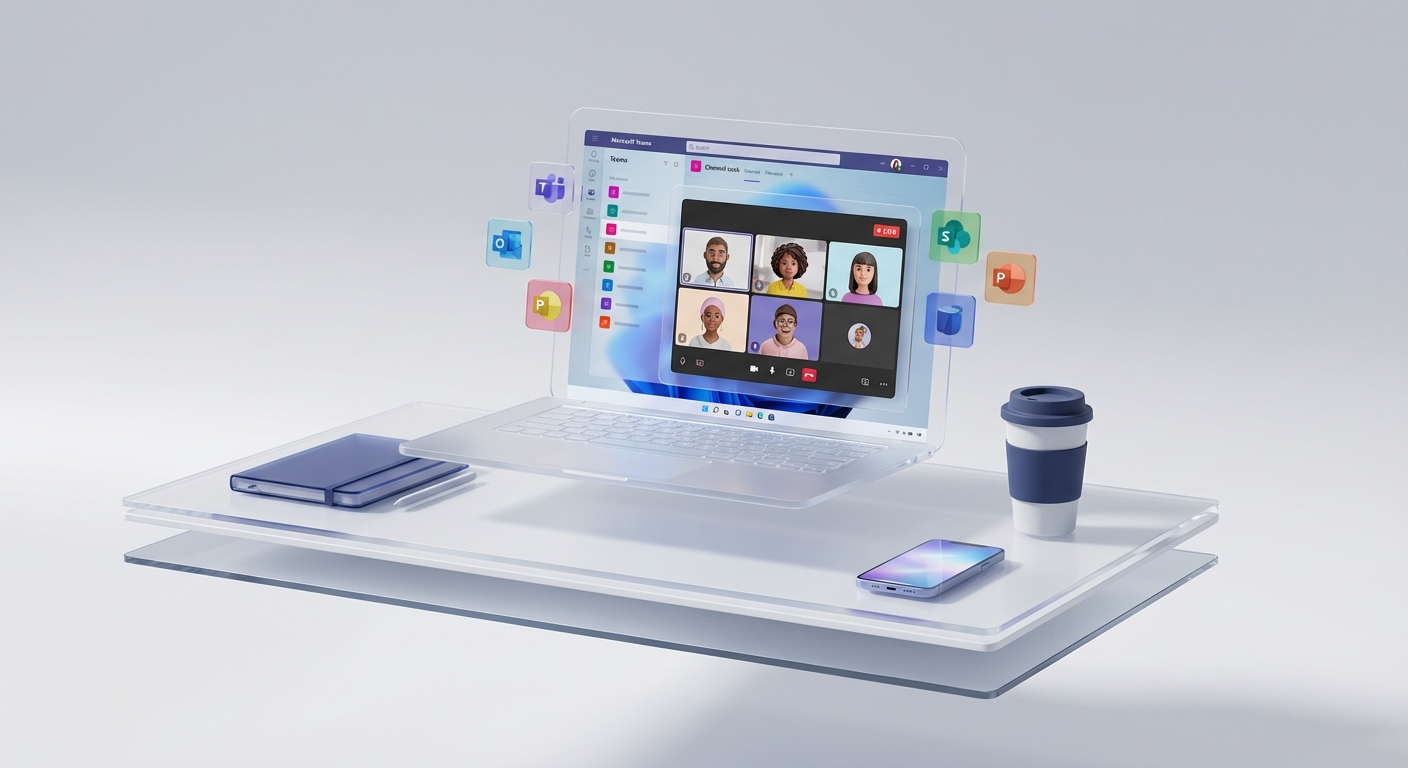
Microsoft Teams Beginner’s Guide: Chat, Channels, Meetings and Files
A current, plain-English Microsoft Teams guide covering the combined or separate chat layout, channels, meetings, files, guests, notificati…
Refreshed 24 Aug 2026 · 4 min